iPhone storage full? Swipe it clear. Lose nothing you love.
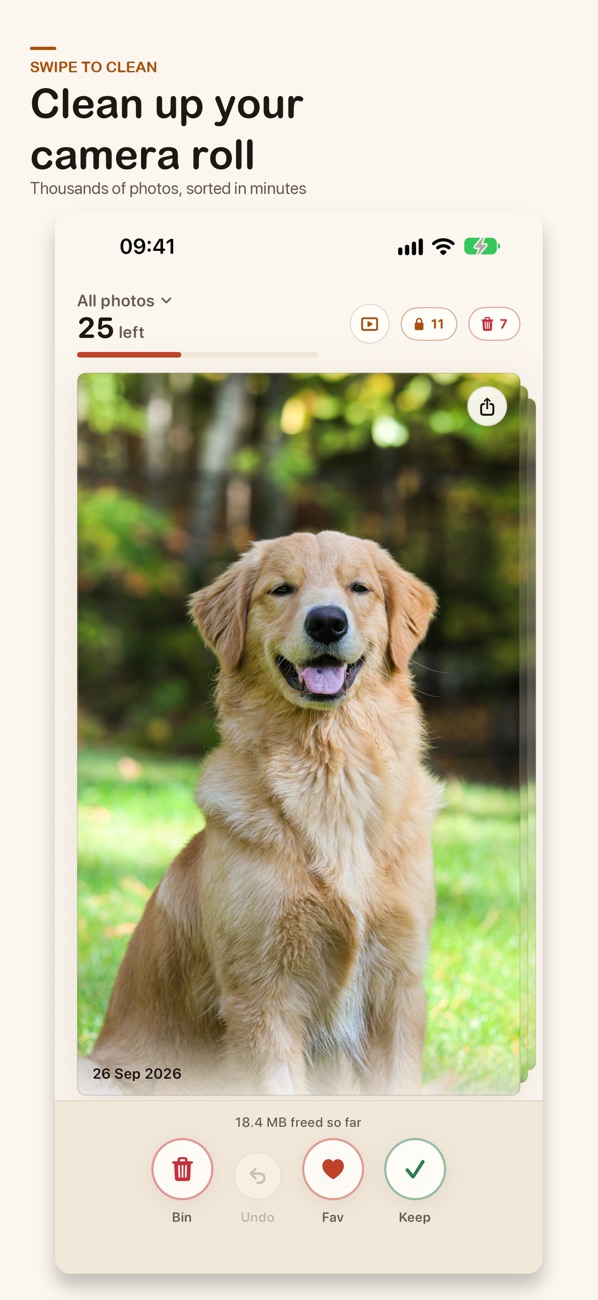
Swipe right to keep, left to bin. Nothing is deleted until you check the bin and confirm, and your photos never get uploaded.
That was 6 photos. Your real camera roll has thousands.
SwipeVault makes them this quick.
Try it: drag the photo, or use the buttons
Thousands of photos.
Sorted in minutes.
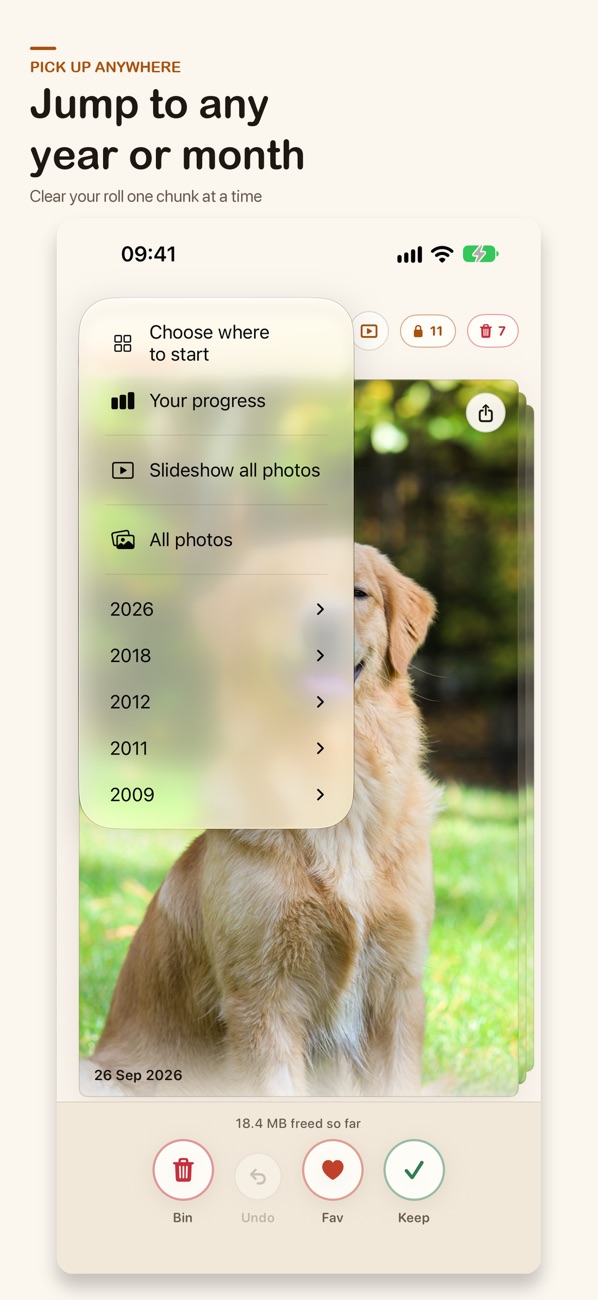
Pick where to start
Go straight to the clutter, or clear your roll one chunk at a time.
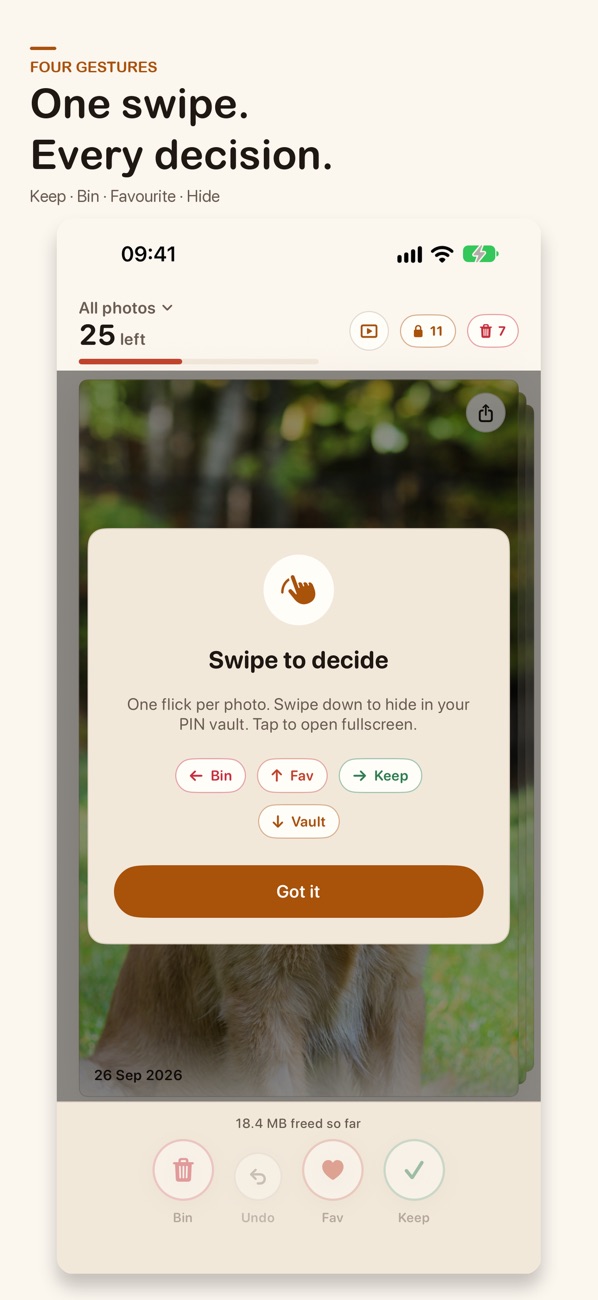
Swipe to decide
One photo or video at a time. One flick each: right to keep, left to bin, up to favorite, down to hide it in your vault.
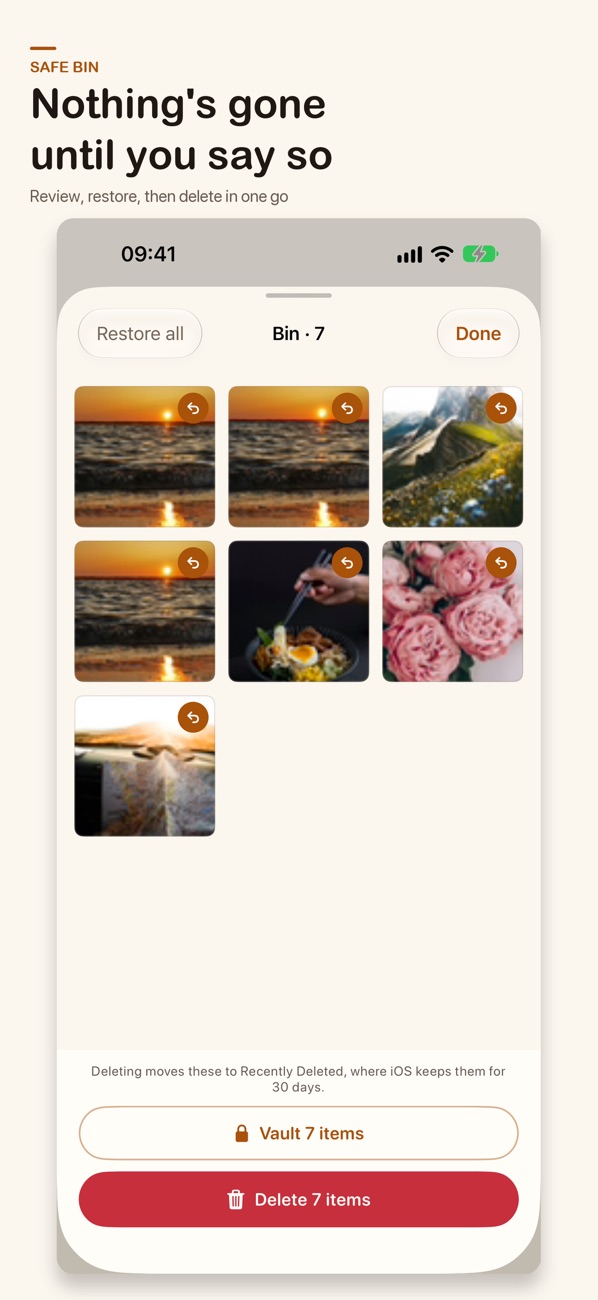
Empty the bin once
Review the whole batch, restore anything you regret, then confirm once. iOS still keeps deleted items in Recently Deleted for 30 days.
Free up space.
Keep the memories.
Find the clutter fast
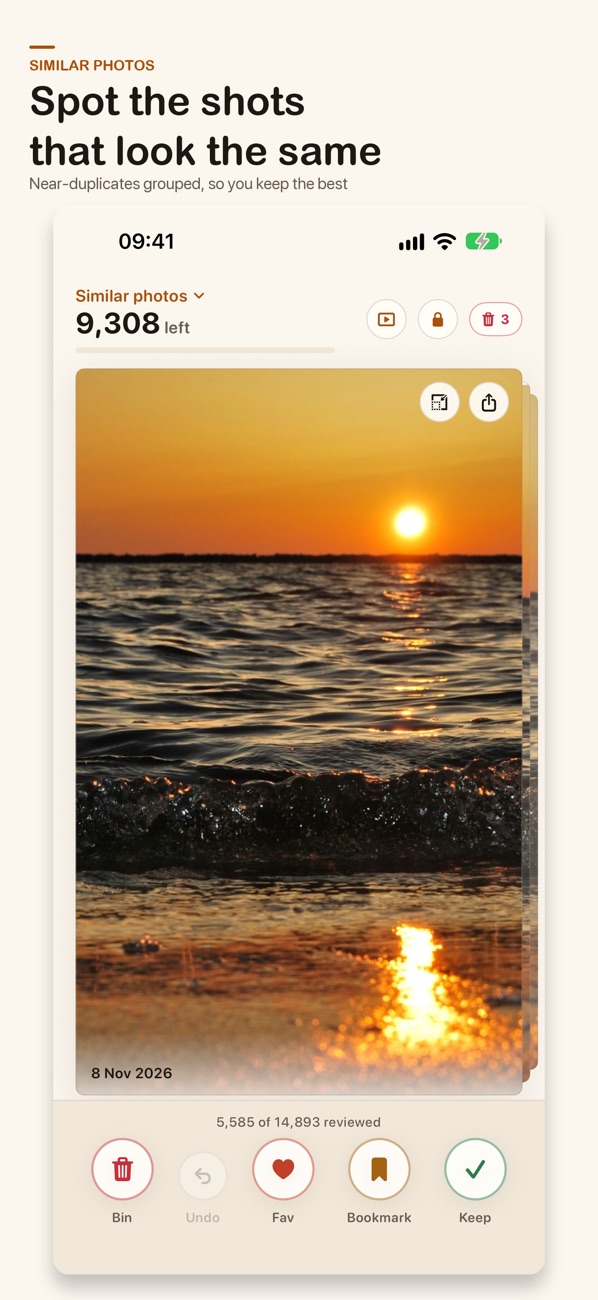
Jump straight to what’s eating your storage: screenshots, large videos and photos, and near-duplicates grouped together so you keep the best shot.
Shrink big files
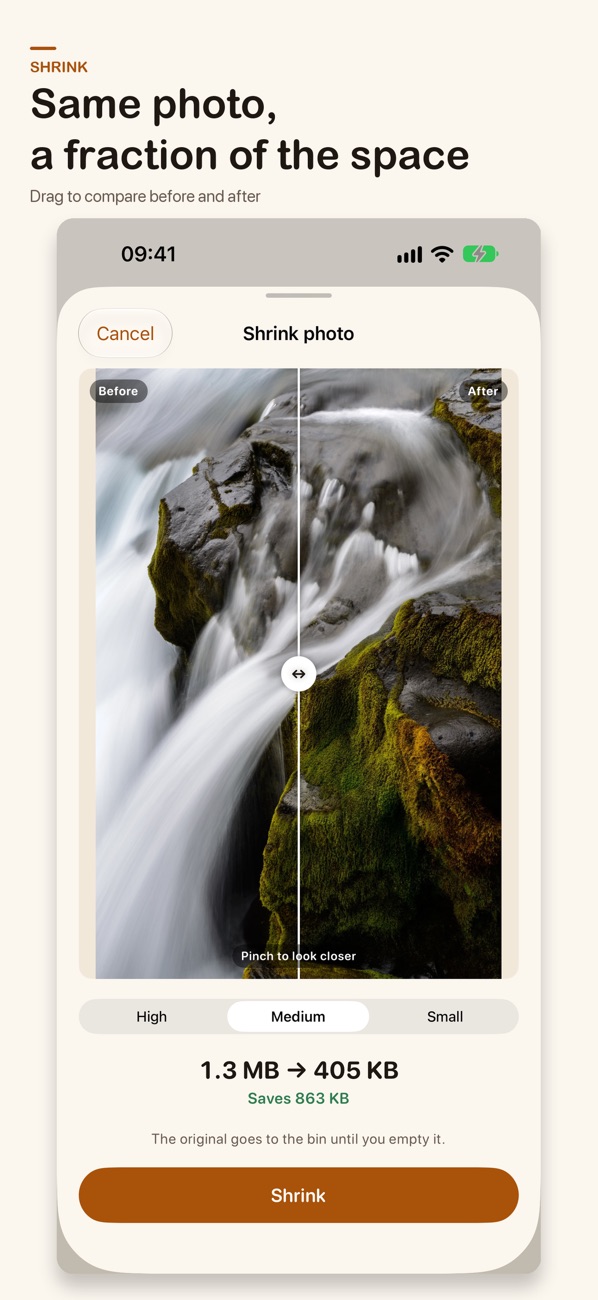
Make a smaller copy of a huge photo or video and keep the quality you choose.
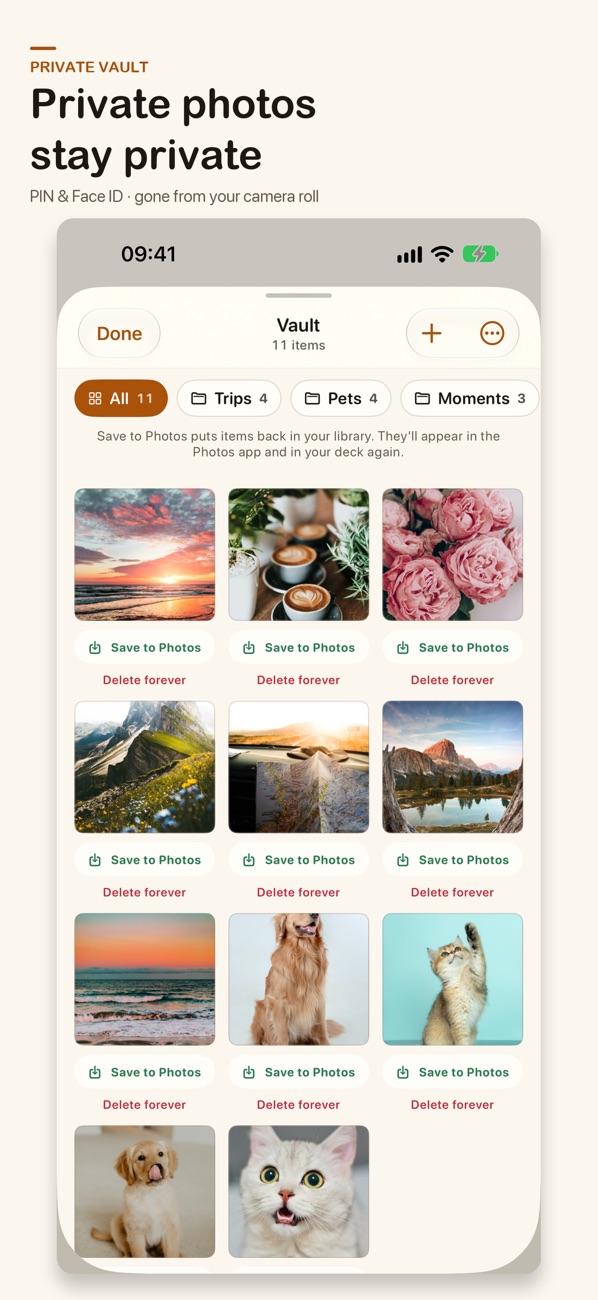
A private vault
Move photos out of Apple Photos and behind a PIN or Face ID. The PIN is stored on your device only.
Nothing’s gone until you say so
Everything you bin waits in the bin. Restore one, restore all, or delete the batch in one go.
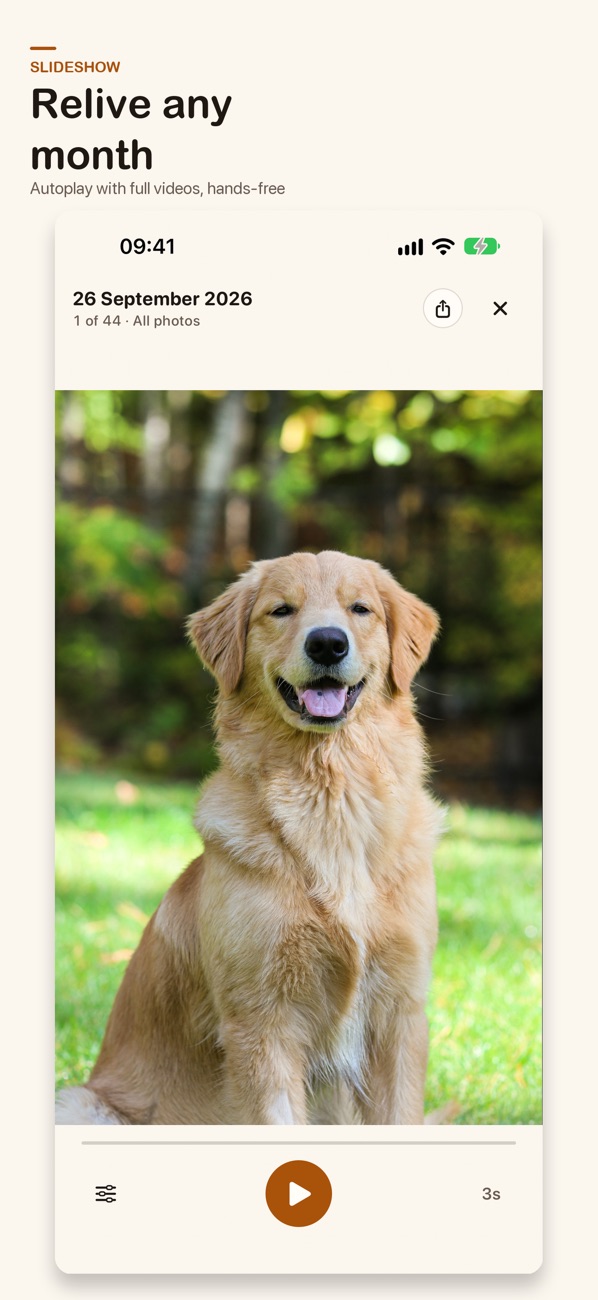
Slideshow on your TV
Open a link on any browser on the same Wi-Fi, and your photos play with dates and places. Or turn it into a photo frame.
Collages
Turn 2–9 photos into a collage: mosaic, Polaroid and film designs, with borders, shadows and captions.
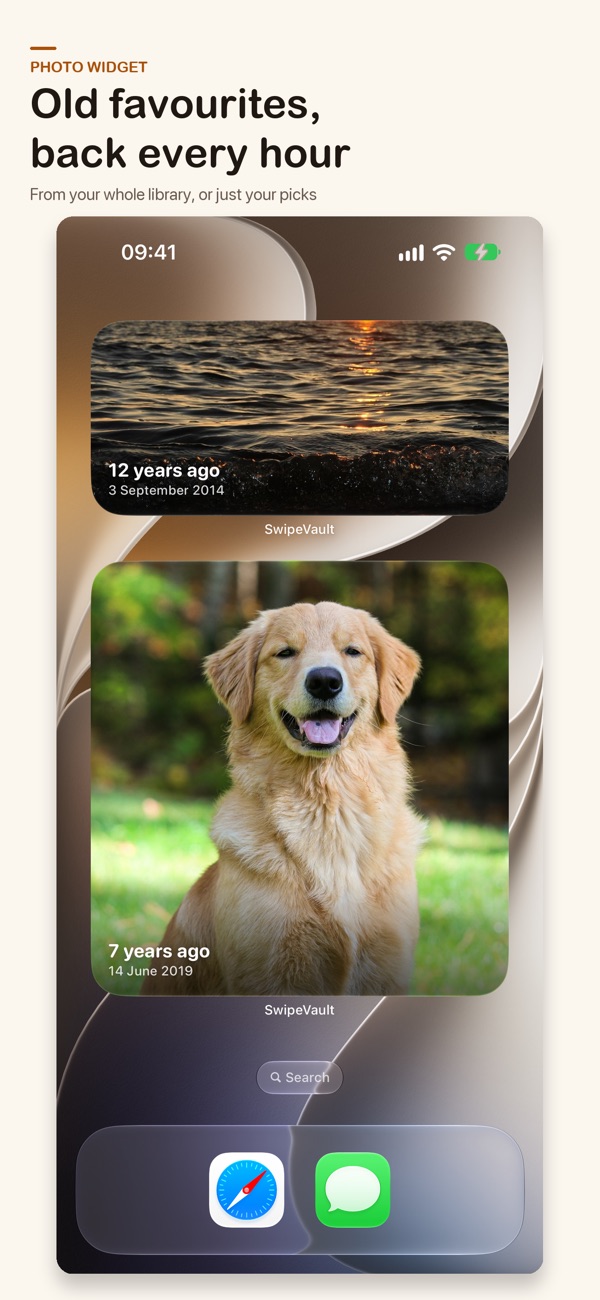
Old favorites, back every hour
A home screen photo widget that brings back moments from your whole library, or just your picks.
A cleaner, a vault and a collage maker.
In one app.
Swipewipe, Slidebox, Cleanup and Clever Cleaner are popular photo cleaners. Here’s how they line up, straight from their own App Store listings.
| SwipeVaultSwipe + vault | SwipewipeSwipe cleaner | SlideboxSwipe organizer | CleanupStorage cleaner | Clever CleanerStorage cleaner |
|---|
Based on each app’s US App Store listing, description, release notes and App Privacy label, checked 21 November 2026. ✓ means the feature is advertised on the listing; — means it isn’t mentioned there (the app may still offer it). Privacy labels are self-reported by each developer. Swipewipe, Slidebox, Cleanup: Phone Storage Cleaner and Clever Cleaner are trademarks of their respective owners; SwipeVault isn’t affiliated with them.
Start free. Go Pro for the vault.
Start clearing space today.
- Swipe to clean, with filters (limited swipes; unlimited with Pro)
- Favorites and bookmarks
- 3 shrinks and 3 collages
- Progress tracking
Sponsored cards may appear in the free deck.
Everything, unlimited.
- Unlimited swipes, shrinks and collages
- The private PIN vault
- Undo every swipe, not just the last
- Slideshow
- No ads
Yearly and monthly plans start with a free trial. A one-time lifetime option is also available.
Try it on the App Store →Questions, answered.
Will swiping left delete my photo straight away?
No. Swiping left moves it to SwipeVault’s bin. Nothing is deleted until you open the bin, review the batch and confirm. Even then, iOS keeps deleted items in Recently Deleted for 30 days.
Do my photos leave my phone?
They’re never uploaded to a server. Your photos stay on your iPhone or iPad, and the vault PIN is stored on your device only. The TV slideshow streams over your own Wi-Fi, and only while you have it on. SwipeVault’s App Store privacy label is “Data Not Collected.”
How does the vault work?
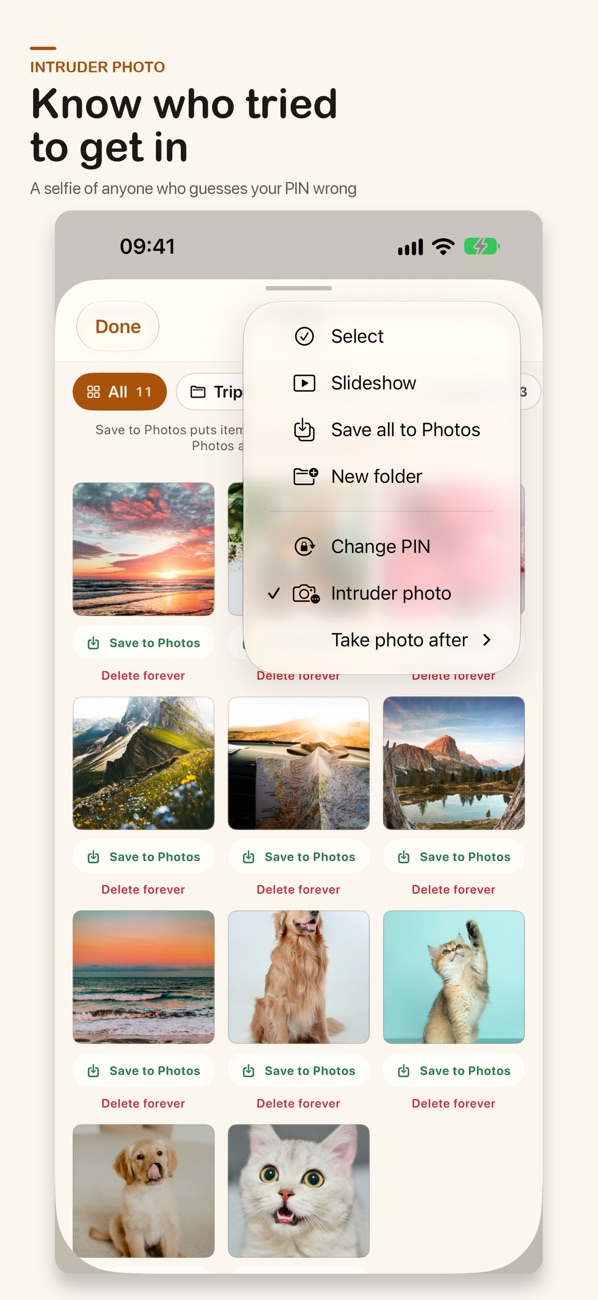
Swipe down on any photo, or move items from the bin, to take them out of Apple Photos and put them behind a PIN. You can set a decoy PIN that opens an innocent-looking vault, and an intruder photo that snaps whoever guesses your PIN wrong. The vault is part of Pro.
Can I shrink videos without losing them?
Yes. Shrink makes a smaller copy, shows you the before and after size, and lets you pick the quality. The original goes to the bin until you empty it.
Which devices and languages are supported?
iPhone and iPad with iOS / iPadOS 17.6 or later. The app is translated into more than 40 languages; change it in Settings › SwipeVault › Language.
How do I cancel Pro?
Subscriptions are handled by Apple. Open Settings → your name → Subscriptions on your iPhone and cancel any time. Free trials convert to a paid plan unless canceled at least 24 hours before they end.
Your storage is full.
Your evening isn’t.
Put on a show, grab your phone, and swipe your camera roll back to what matters.
Download on theApp Store